Open Job in Informatica Cloud Data Integration
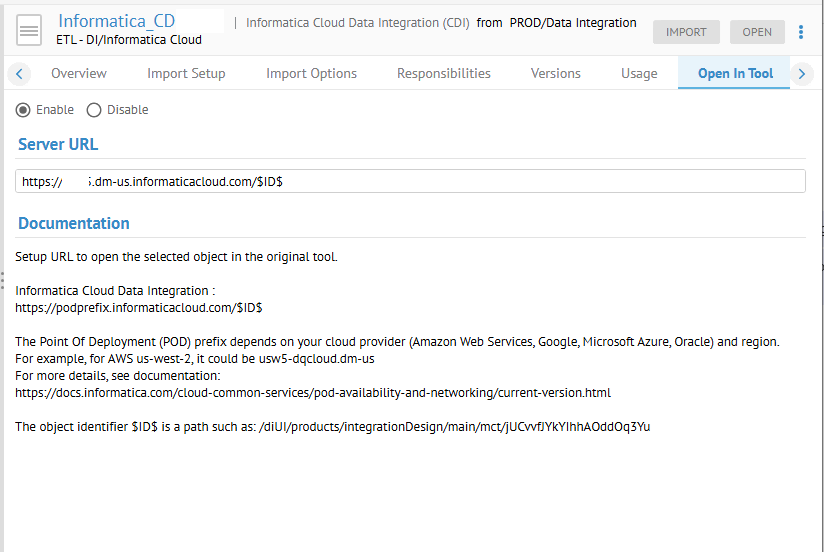
First the an administrator must setup the Informatica Cloud Data Integration (CDI) Server URL and Enable it in the Open in Tool tab for the CDI model within Manage > Repository or Manage > Configuration:
Then Users have access to Open In Tool at various locations such as:
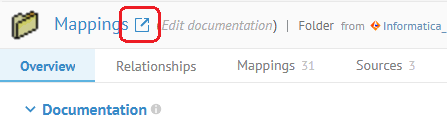
which opens that mapping in CDI.